

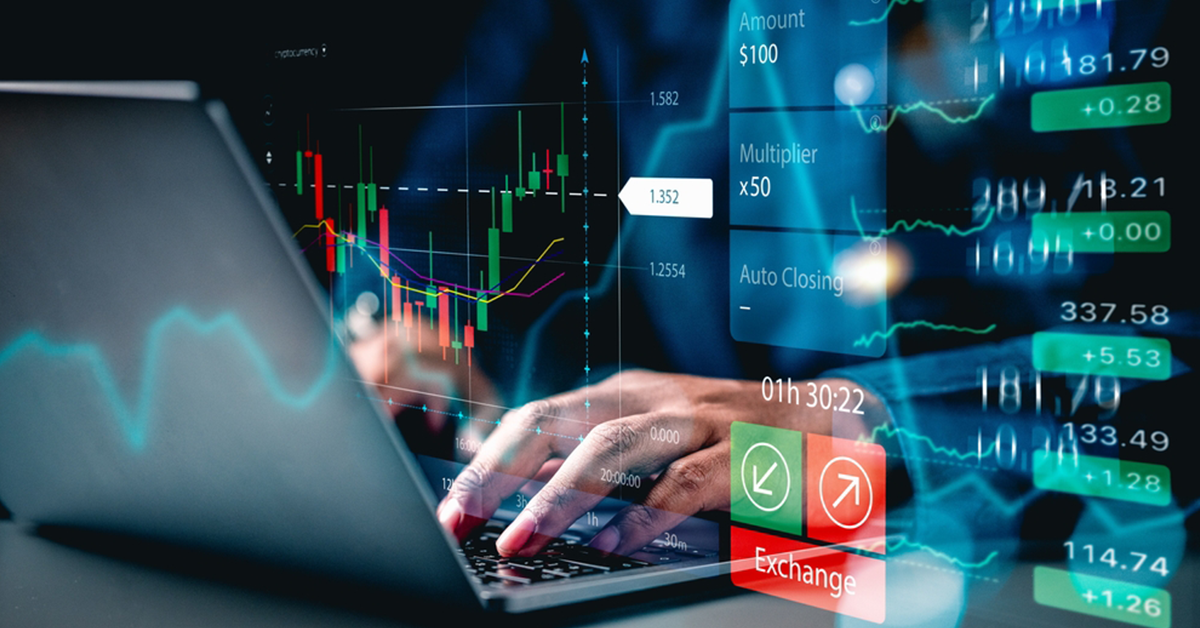
Modern software interfaces have completely transformed how retail traders interact with global currency markets. What once required institutional trading desks or telephone execution can now be managed seamlessly through intuitive mobile apps, browser terminals, and desktop platforms. Mastering these modern tools allows you to analyze price charts, execute orders efficiently, and enforce disciplined risk boundaries from day one.
What actually happens when I open a modern forex trading platform?
Opening a modern trading interface gives you real-time access to global liquidity networks where international currencies are constantly quoted. Your screen displays live charting windows, order entry tickets, and detailed account metric readouts like free margin and equity.
You can select any currency pair, examine its historical price action across different timeframes, and place buy or sell orders with a single click. Think of the spread as a standard service fee built directly into the quote—it represents the baseline execution cost charged by your broker on every open position. If you are taking your initial steps into order entry, reading a comprehensive guide on how to start forex trading for beginners helps you navigate platform layout features and quote mechanics.
What is the difference between web, desktop, and mobile trading software?
Trading platforms generally fall into three operational categories, each serving a distinct purpose in a trader's workflow:
- Desktop Terminals: Offer the deepest technical analysis suites, supporting complex algorithmic indicators, back-testing tools, and multi-monitor setups.
- Web Platforms: Provide fast, flexible access directly inside your web browser without requiring software installations, ideal for quick chart checks.
- Mobile Apps: Allow you to monitor open trades, adjust pending orders, and receive volatile price alerts while away from your main desk.
Most modern traders use a desktop or web interface for serious technical charting and rely on mobile apps strictly for portfolio tracking.
How do I use platform charting tools to spot potential trades?
Modern software platforms come packed with clean charting interfaces that let you visualize price direction through line, bar, or candlestick chart representations. Candlestick charts remain the industry standard because they visually capture the open, high, low, and close prices for any selected timeframe.
You can draw technical support and resistance lines directly onto your charts or overlay indicators like moving averages to smooth out market noise. These visual overlays help you identify established price trends and highlight logical price points for trade entries. Comparing software functionality across top-tier brokers helps you locate low spread forex brokers that offer responsive, high-speed charting platforms without fill delays.
How do I configure order types to automate my risk limits?
Modern execution platforms eliminate the need to stare at charts all day by offering versatile pending order structures. You can set limit orders to enter the market automatically at better prices, or stop orders to catch breakout momentum.
Crucially, every order ticket allows you to attach automated stop-loss and take-profit targets before submitting the trade. A stop-loss automatically closes your position if prices move against your setup, effectively capping your maximum potential loss. Taking time to understand what is leverage in trading empowers you to use your platform's lot-sizing tools conservatively, keeping your overall exposure capped at a small fraction of your cash balance.
Why should I start trading on a demo platform before using real capital?
A demo platform replicates live market liquidity, real-time spreads, and chart movements using virtual funds. It serves as a risk-free testing ground where you can practice navigating software buttons without worrying about costly execution mistakes.
Use demo trading to practice setting stop-loss limits, calculating position sizes, and executing trades during fast-moving economic news releases. Treat your demo balance like real money by adhering to strict position sizing rules. Once your execution feels calm, methodical, and consistent across several dozen virtual trades, you can comfortably transition toward funding a live account.
Summary
Spend time customizing your trading platform workspace and mastering order execution mechanics on a free demo account. Always attach automated stop-loss limits on every order ticket, and keep your risk per trade strictly capped at 1% to 2% of your overall account capital.
